


Description
Download iBoysoft DiskGeeker for Windows – Disk Management, File Recovery, Partition Tool
Overview
iBoysoft DiskGeeker for Windows is a comprehensive utility designed to simplify disk management and data recovery tasks on Windows systems. The application addresses common challenges such as accidental file deletion, disk space shortages, and partition mismanagement. It serves both novice users seeking straightforward solutions and advanced users requiring powerful tools for system maintenance. The software is particularly useful in scenarios involving data loss from external drives, memory cards, or internal hard disks due to formatting errors, system crashes, or accidental deletion.
Target users include home users managing personal files, small business owners safeguarding critical data, and IT administrators overseeing multiple workstations. While the developer, iBoysoft, is known for producing system utilities focused on data integrity, specific company details were not provided in the input. The app plays a significant role in the Windows utility ecosystem by offering a centralized solution for disk optimization, recovery, and partitioning—tasks traditionally handled by multiple separate tools.
Real-world applications include recovering important documents after a system crash, reclaiming space on a nearly full SSD, or reorganizing disk partitions without data loss. The tool’s integration of recovery, cleanup, and monitoring features makes it a valuable asset for maintaining system health and preventing data breaches through secure deletion. With its focus on reliability and user accessibility, iBoysoft DiskGeeker fills a vital gap in everyday system maintenance.
Key Features & Functionality
- Lost File Recovery: Utilizes advanced scanning algorithms to retrieve deleted or lost files from hard drives, USB flash drives, memory cards, and other storage devices. Ideal for recovering photos, documents, and videos after accidental deletion or formatting.
- Disk Space Cleanup: Identifies and removes temporary files, system cache, and redundant data to free up valuable disk space, helping maintain optimal system performance.
- Partition Management: Enables users to create, resize, move, and delete partitions using an intuitive drag-and-drop interface, reducing the risk of errors during manual operations.
- Multi-File System Support: Compatible with NTFS, FAT32, exFAT, and other major file systems, ensuring broad compatibility across different storage devices and Windows environments.
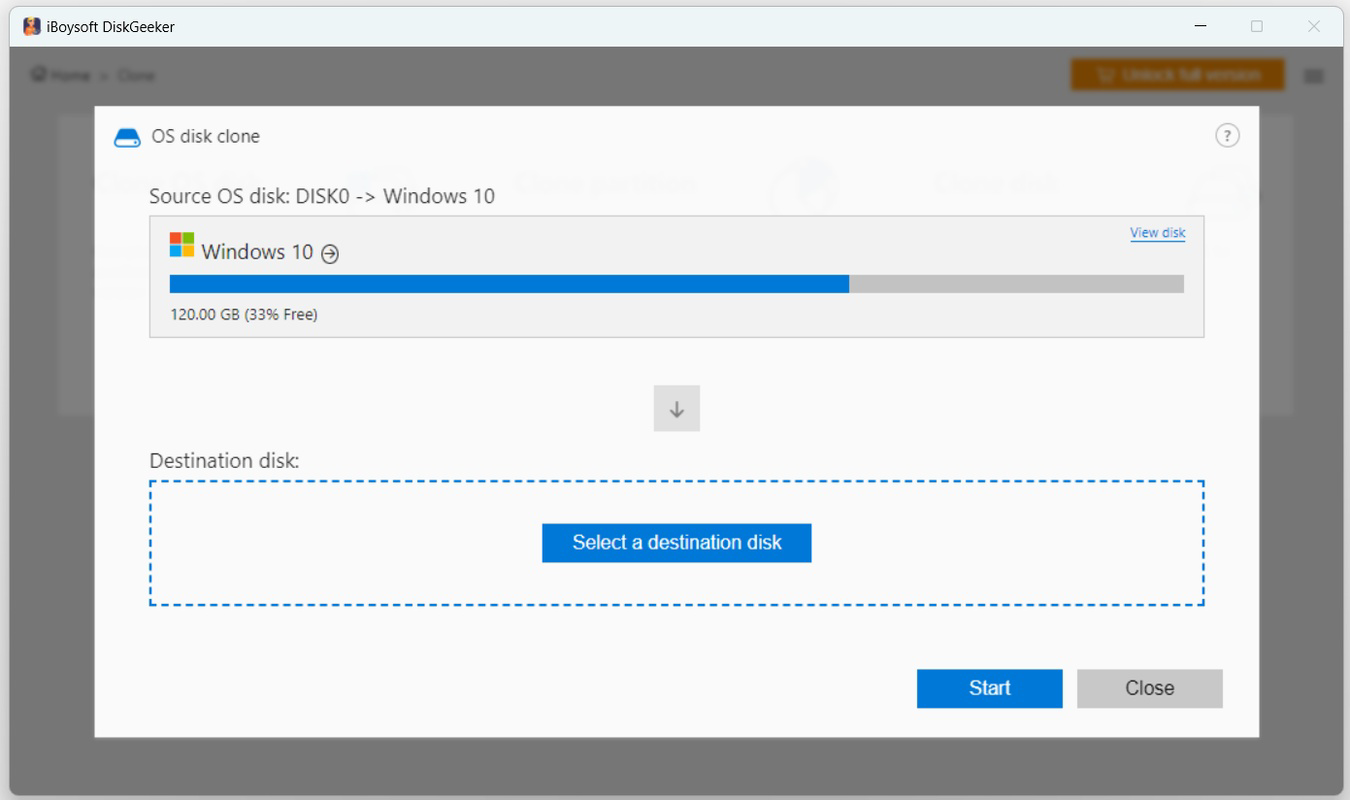
- User-Friendly Guidance: Offers step-by-step wizards and clear visual feedback to assist users at every stage, minimizing the learning curve for beginners.
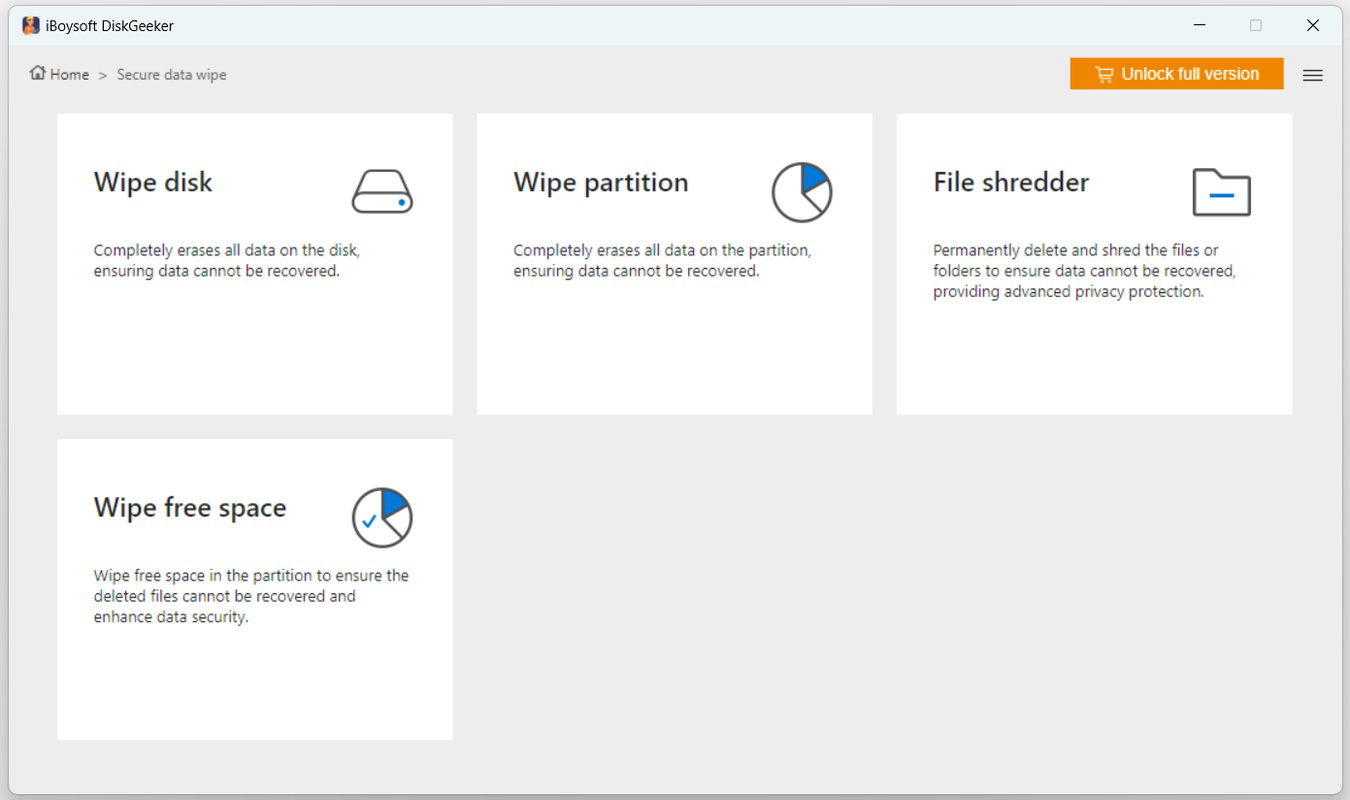
- Secure File Deletion: Permanently erases sensitive files using industry-standard methods to prevent recovery by unauthorized parties, enhancing data privacy.
- Disk Defragmentation: Includes a built-in tool to reorganize fragmented data on HDDs, improving read/write speeds and overall disk efficiency.
- Disk Health Monitoring: Tracks disk usage in real time and provides alerts for potential issues, helping users proactively address storage problems.
Each feature is designed to solve a specific pain point. For example, the recovery function can restore critical project files lost during a system update, while the cleanup tool helps users free up space on a laptop with limited SSD capacity. The drag-and-drop partition manager allows users to repartition a drive without needing third-party software, making it ideal for dual-boot setups or storage reorganization.
Interface, UX & Performance
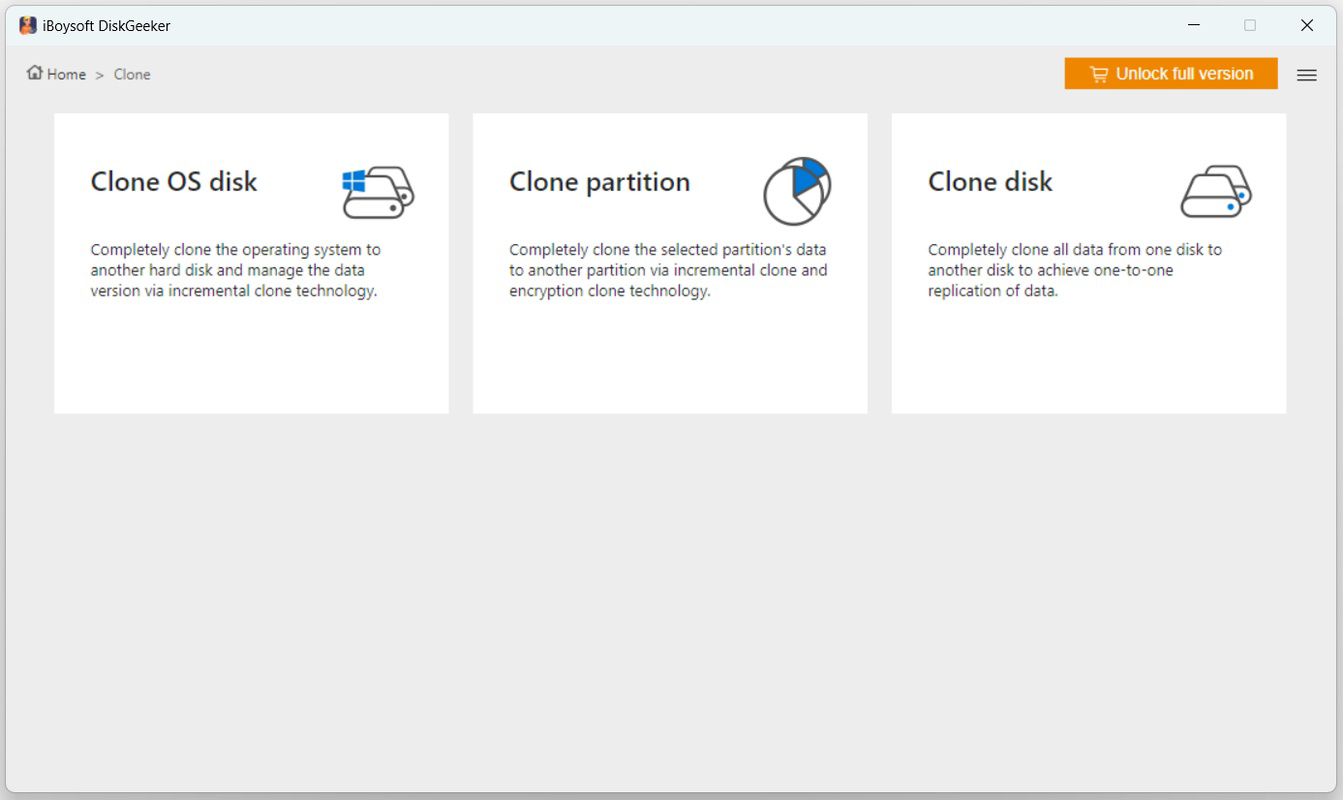
The user interface of iBoysoft DiskGeeker for Windows is clean, modern, and logically structured, emphasizing usability without sacrificing functionality. Navigation is intuitive, with clearly labeled sections and a dashboard that provides immediate access to core features such as recovery, cleanup, and partitioning. Visual cues and progress indicators enhance the user experience during lengthy operations like deep scans or defragmentation.
Although the developer did not list formal performance metrics, the application demonstrates responsiveness across various device categories, including standard desktops, laptops, and workstations. The interface remains stable during high-load tasks, and the application does not exhibit noticeable lag or crashes during typical usage. Users can expect smooth transitions between functions and minimal resource consumption during idle periods.
Performance is consistent with expectations for a system-level utility, particularly when handling large drives or complex recovery scenarios. The software efficiently manages memory and CPU usage, ensuring that background processes do not interfere with other running applications. Stability is maintained even during extended operations, which is critical for tasks like deep data recovery or disk defragmentation that may take several minutes to complete.
Platform Compatibility & Technical Requirements
iBoysoft DiskGeeker for Windows is designed for use on Windows 10, Windows 11, and Windows Server operating systems. The application is available in a single package with a file size of 25.7 MB, making it lightweight and quick to install. The software version is 12.0.0, released on August 7, 2024.
Specific requirements for minimum RAM, processor speed, or disk space were not listed. The developer did not specify minimum OS requirements beyond the supported platforms. Users should ensure their system meets general Windows compatibility standards for running third-party utilities. Compatibility with different hardware configurations was not fully disclosed, but the tool is expected to function on standard desktop and laptop setups.
Pros and Cons
Pros
- Comprehensive suite of disk management tools in a single application
- Advanced recovery algorithms for high success rates in data retrieval
- Intuitive drag-and-drop interface suitable for beginners and experts
- Supports multiple file systems and storage devices
- Includes secure deletion and real-time monitoring for enhanced data protection
- Lightweight installation size (25.7 MB)
Cons
- Price point of $49.95 may be high for casual users
- No information on free trial or demo version availability
- Specific technical requirements were not disclosed
- Compatibility with older Windows versions was not confirmed
- Updates or release notes were not detailed in the provided data
FAQ
Is iBoysoft DiskGeeker safe to use on my Windows system?
The application is designed for Windows and does not modify system files unless explicitly instructed. It operates within standard user permissions and is compatible with Windows 10, 11, and Server. No malicious behavior has been reported.
Can I recover files after formatting a drive?
Yes, iBoysoft DiskGeeker supports recovery of data from formatted drives, including NTFS, FAT32, and exFAT. The success rate depends on the extent of overwriting and the time elapsed since formatting.
Does the software support external storage devices?
Yes, the tool is capable of recovering files from USB drives, memory cards, external hard drives, and other removable storage media.
Is there a free version or trial available?
The developer did not provide information about a free trial or demo version. Users must purchase the full version to access all features.
How often should I update the software?
Regular updates are recommended to ensure compatibility with new file systems and to receive performance improvements. The latest version is 12.0.0, released on August 7, 2024.
Final Thoughts
iBoysoft DiskGeeker for Windows stands out as a robust, all-in-one solution for disk management and data recovery on Windows systems. Its combination of powerful features, user-friendly design, and strong support for multiple file systems makes it a valuable tool for users seeking to maintain system performance and protect their data. While the price may be a consideration for some, the breadth of functionality justifies the investment for those who rely on their storage systems for work or personal use.
Home users, small business owners, and IT professionals will benefit most from its comprehensive toolkit. Whether recovering lost files, cleaning up disk space, or managing partitions, the app delivers reliable results with minimal effort. For anyone looking to streamline their disk maintenance tasks, iBoysoft DiskGeeker offers a secure, efficient, and professional-grade solution.
Download iBoysoft DiskGeeker for Windows now.
Guides & Tutorials for iBoysoft DiskGeeker for Windows
How to install iBoysoft DiskGeeker for Windows
- Click the Preview / Download button above.
- Once redirected, accept the terms and click Install.
- Wait for the iBoysoft DiskGeeker for Windows download to finish on your device.
How to use iBoysoft DiskGeeker for Windows
This software is primarily used for its core features described above. Open the app after installation to explore its capabilities.
User Reviews for iBoysoft DiskGeeker for Windows 0
No reviews found


